

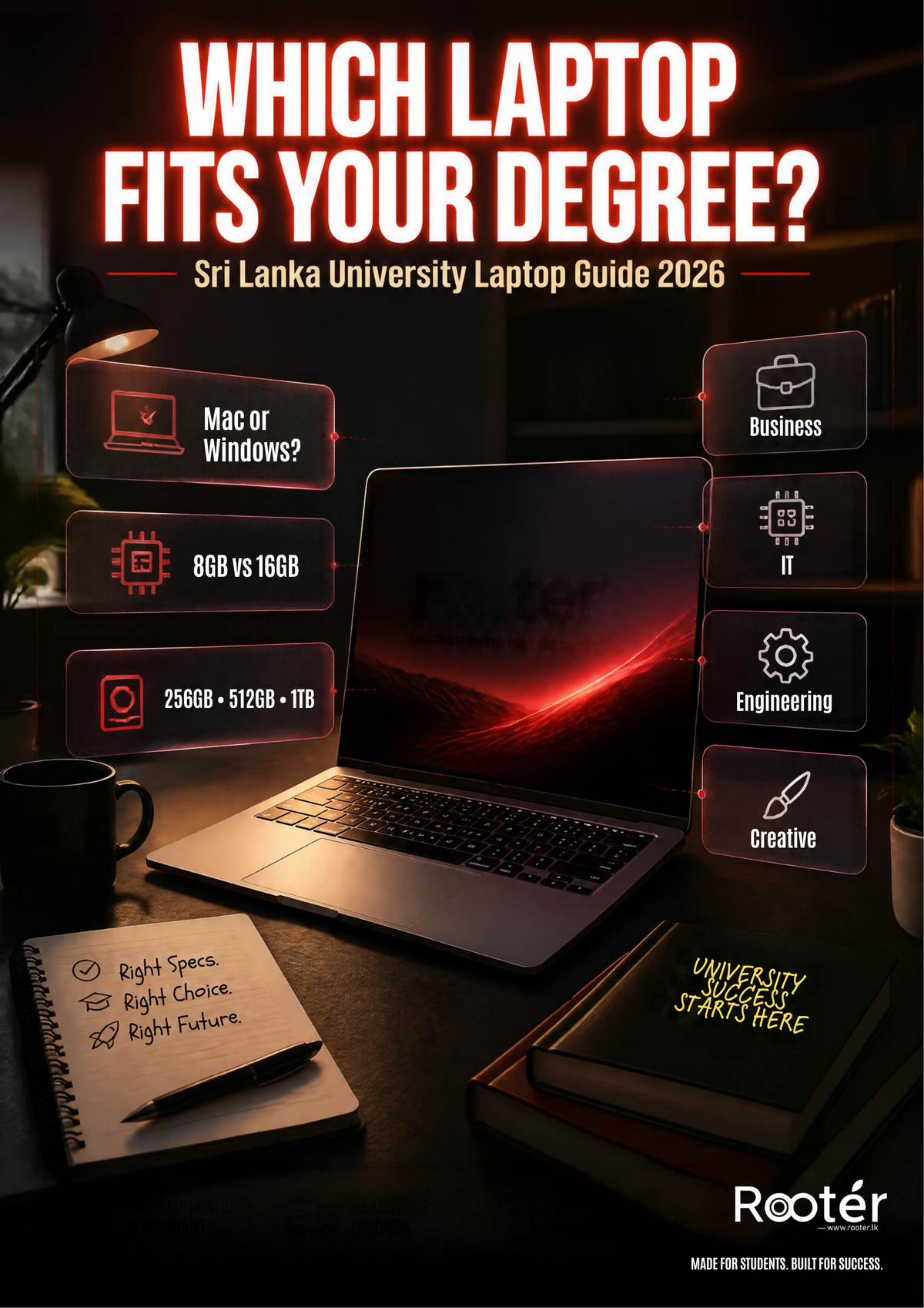
Best Laptops for University Students in Sri Lanka 2026: Complete Buying Guide
Your degree says you need a laptop.
Your search history says you now have 27 tabs open comparing processors you didn't even know existed.
MacBook or Windows? 8GB or 16GB RAM? 256GB or 512GB? Intel or AMD? Do you actually need an RTX graphics card—or are you about to spend extra on performance you'll never use?
If you're searching for the best laptop for university students in Sri Lanka, forget the idea that there's one “best” laptop for everyone.
The right laptop depends on what you're studying.
A marketing student creating presentations doesn't need the same machine as an architecture student working with 3D software. An IT student's requirements can look completely different from both.
And the most expensive laptop?
Not automatically the best choice.
So instead of throwing a list of random laptops at you, we're going to make this simple.
Tell us what you study. We'll show you what actually matters.
Quick note: Laptop prices, configurations and availability in Sri Lanka can change frequently. Always check the relevant Rooter product page for the latest information before purchasing.
First: What Actually Makes a Good University Laptop?
Think about a normal university day.
You start with a lecture.
Then Word.
Then PowerPoint.
Then someone sends you a Google Drive link.
Suddenly you have 14 Chrome tabs open, Canva running in the background, Spotify playing and Teams reminding you about a meeting you completely forgot about.
Sound familiar?
Your laptop may need to handle:
-
Assignments and research
-
Word, Excel and PowerPoint
-
Google Workspace
-
Presentations
-
Online classes and video calls
-
University portals
-
Multiple browser tabs
-
Group projects
-
Degree-specific software
-
Content creation
-
Entertainment
That's why choosing a laptop based only on the brand or processor name isn't enough.
Pay attention to:
Processor + RAM + storage + battery + display + weight + software compatibility.
And if you're studying engineering, architecture, IT or a creative subject, graphics performance may matter too.
Now let's find the right laptop for your degree.
Best Laptops for University Students in Sri Lanka 2026
Instead of asking:
“What's the best student laptop?”
Ask:
“What's the best laptop for what I study?”
That's a much easier question to answer.
Studying Business, Marketing, Finance or Management?
Good news.
You probably don't need a giant gaming laptop with an RTX GPU just to survive a PowerPoint presentation.
Your everyday university workload is more likely to include:
-
Microsoft Word
-
PowerPoint
-
Excel
-
Canva
-
Google Workspace
-
Research
-
Presentations
-
Zoom or Teams
-
Browser-based applications
-
Social media/content creation
For these students, we'd prioritise:
Portability. Battery life. Comfortable keyboard. Enough RAM. SSD storage.
Laptops from ranges such as Lenovo IdeaPad, ASUS Vivobook and MacBook Air can therefore be worth considering depending on your budget and software requirements.
What should you look for?
RAM: 8GB can handle lighter productivity; consider 16GB for heavier multitasking
Storage: 256GB can work for lighter/cloud-based use; 512GB gives you more local space
Display: Full HD or better is a practical target
Graphics: Integrated graphics are generally sufficient for ordinary productivity
And here's something students often forget:
Check the weight.
That beautiful 16-inch laptop might look amazing on a desk.
It may feel very different after you've carried it around campus for six hours with your charger, water bottle and everything else in your bag.
On a Budget? Don't Pay for Performance You Don't Need
Here's an expensive mistake:
Buying a laptop designed for workloads you'll never actually run.
If university mainly means:
Word + PowerPoint + research + browsing + online classes + Google Workspace
then a well-configured everyday Windows laptop may already cover what you need.
Brands such as Lenovo, ASUS and HP offer options across different price ranges.
Start by looking for:
✓ A modern processor suitable for your applications
✓ At least 8GB RAM for general productivity
✓ SSD storage
✓ Full HD display where possible
✓ Comfortable keyboard
✓ Suitable battery life
✓ Warranty
Microsoft lists just 4GB RAM and 64GB storage as minimum requirements for Windows 11.
But don't confuse “Windows can run” with “this will be comfortable for university for the next few years.”
Your applications and workload determine what you actually need.
If your budget allows it, 16GB RAM gives you considerably more room for multitasking.
Studying IT, Computer Science or Software Engineering?
Now things get more interesting.
Your laptop may need to handle:
-
IDEs
-
Development environments
-
Databases
-
Local servers
-
Programming tools
-
Multiple browser tabs
-
Virtual machines
-
Data-analysis applications
This is where buying purely based on appearance can come back to haunt you.
What should IT students consider?
RAM: 16GB is worth considering for heavier multitasking
Storage: 512GB or more gives you more room for tools and projects
Processor: Choose according to your required applications
Operating system: Check your course requirements
And before you buy a MacBook...
Check your university's software requirements.
Both Windows and macOS can be suitable for programming, but your particular programme may use software, virtualisation environments or tools with specific operating-system requirements.
Your course requirements come first.
Apple logo second.
Engineering Students: Don't Buy Anything Until You Check This
This is probably the most important section of this guide.
Engineering students should not follow generic “best student laptop” recommendations blindly.
Why?
Because engineering software can have dramatically different hardware requirements.
Take AutoCAD as an example.
Autodesk's requirements for AutoCAD 2026 on Windows list 8GB RAM as the basic requirement but 32GB as the recommended amount. Autodesk also recommends more capable graphics hardware for its recommended configuration.
Large datasets, 3D modelling and other specialist workflows can push requirements even higher.
So simply telling every engineering student:
“16GB is enough.”
would be misleading.
Do this instead:
Step 1: Find out exactly what software your course uses.
Step 2: Check the software developer's official system requirements.
Step 3: Choose your laptop based on those requirements.
Depending on your programme, a laptop with dedicated graphics—such as certain Lenovo LOQ or ASUS TUF configurations—may make sense.
Pay attention to:
✓ Processor
✓ RAM
✓ Dedicated GPU requirements
✓ SSD storage
✓ Display
✓ Cooling
✓ Windows/macOS compatibility
For engineering students, software compatibility beats brand preference.
Every time.
Graphic Design, Multimedia or Video Student?
Your display suddenly matters a lot more.
If you're regularly using:
-
Photoshop
-
Illustrator
-
Premiere
-
After Effects
-
Lightroom
-
Video editing software
-
Photography applications
-
Design tools
then a basic productivity laptop may not be enough.
RAM matters.
Adobe's current Premiere requirements illustrate this well.
For Windows, Adobe recommends 16GB RAM for HD media and 32GB or more for 4K and higher-resolution workflows.
That's a very different workload from writing a Word document.
Storage matters too.
Video and creative files can become huge surprisingly quickly.
Consider:
512GB if your projects are relatively moderate or you use external/cloud storage.
1TB or more if you regularly keep large creative projects locally.
And don't forget the display.
If you're working with visual content, look beyond resolution.
Colour reproduction and overall display quality matter too.
Depending on your applications, options can include MacBooks or Windows performance laptops such as Lenovo LOQ and ASUS TUF configurations with dedicated graphics.
Want a MacBook for University?
This is where many students immediately think:
“I need a MacBook Pro.”
Maybe.
But probably not just because you're going to university.
Apple's current MacBook lineup gives students several levels to consider.
MacBook Neo — For Everyday University Work
The MacBook Neo is Apple's 13-inch MacBook powered by the A18 Pro chip.
Apple's specifications include:
-
A18 Pro chip
-
6-core CPU
-
5-core GPU
-
8GB unified memory
-
256GB or 512GB SSD
-
13-inch Liquid Retina display
-
Up to 16 hours of video streaming
For students whose workloads mainly involve research, assignments, presentations, browsing and general productivity, the Neo is one option to consider.
Again, check software compatibility first.
MacBook Air M5 — The Step Up
Want more performance while still keeping things thin and portable?
That's where the MacBook Air M5 becomes interesting.
Apple offers the M5 MacBook Air in:
13-inch → easier to carry
15-inch → more screen space
Apple rates the M5 MacBook Air for up to 18 hours of battery life, although actual battery life varies with usage and configuration.
The 13-inch Air makes sense if:
You carry your laptop around campus every day.
The 15-inch Air makes sense if:
You prefer more workspace for documents, spreadsheets, multitasking or creative work.
For many students who want a combination of performance + portability, the MacBook Air is worth considering.
MacBook Pro — Do You Actually Need It?
Here's the question to ask:
Will your university workload actually use the extra performance?
MacBook Pro becomes more relevant for demanding professional applications and sustained performance-heavy workflows.
That can include certain:
-
Video production workflows
-
Development workloads
-
Creative applications
-
3D workflows
-
Other professional software
Don't buy a Pro simply because “Pro” sounds better.
Buy it if your workload justifies it.
Think of Apple's lineup like this:
General productivity → Consider MacBook Neo
Performance + portability → Consider MacBook Air
Demanding professional workloads → Consider MacBook Pro
Not rules.
Just sensible starting points.
MacBook vs Windows for University: Which Is Better?
The internet can argue about this forever.
You don't have to.
Consider MacBook if you value:
✓ macOS
✓ Portability
✓ Battery efficiency
✓ Apple ecosystem integration
✓ Apple Silicon
✓ Thin laptop designs
Consider Windows if you value:
✓ More price options
✓ Wider hardware selection
✓ Dedicated GPU choices
✓ Gaming
✓ Windows-specific applications
✓ More configurations and designs
But here's the question that matters more than all of those:
What software does your degree require?
Find that out first.
Then choose the operating system.
Not the other way around.
8GB vs 16GB RAM: What Do You Actually Need?
This is probably one of the most searched questions when buying a laptop.
And the answer is:
It depends.
8GB may be enough if you mainly use:
-
Word
-
PowerPoint
-
Browsing
-
Email
-
Google Docs
-
Online classes
Consider 16GB if you:
-
Keep many applications open
-
Program
-
Work with large spreadsheets
-
Create content
-
Edit photos
-
Use demanding university software
-
Want more multitasking headroom
And 32GB?
That starts becoming relevant for particular professional workloads.
Adobe, for example, recommends 32GB or more for 4K and higher-resolution Premiere workflows on Windows.
So don't ask:
“How much RAM is good?”
Ask:
“How much RAM does MY software need?”
Much better question.
256GB vs 512GB vs 1TB: Let's Make This Simple
Storage numbers can look confusing.
They don't have to be.
256GB
Consider it if you:
✓ Mostly work with documents
✓ Use cloud storage heavily
✓ Don't store large media files
✓ Have a tighter budget
512GB
Gives you more breathing room for:
✓ Applications
✓ University files
✓ Projects
✓ Photos
✓ Downloads
✓ Personal files
For many students, 512GB can be a practical middle ground.
1TB+
Consider more storage if you're dealing with:
✓ Video projects
✓ Large photo libraries
✓ Design work
✓ Engineering files
✓ Large datasets
✓ Games
Don't pay for 1TB just because the number sounds better.
But don't buy too little and spend the next three years deleting files either.
Do You Really Need a Gaming Laptop for University?
See RTX.
Want RTX.
We've all been there.
But unless your degree—or your gaming habit—actually needs dedicated graphics, you may be paying for performance you don't use.
A gaming/performance laptop becomes more relevant for:
-
3D rendering
-
CAD and certain engineering workflows
-
GPU-accelerated creative software
-
Video production
-
Gaming
Ranges such as Lenovo LOQ and ASUS TUF Gaming include models with dedicated NVIDIA graphics.
Sounds great.
But remember:
More performance can also mean more weight, more power consumption and a larger charger.
If you're a business student using Excel and Canva, you probably don't need to carry an RTX gaming laptop around campus.
Your back may thank you.
Intel vs AMD vs Apple: Don't Choose Based on the Logo
Intel Core.
Intel Core Ultra.
AMD Ryzen.
Apple M-series.
Apple A-series.
Lots of names.
Here's what matters:
The exact processor model.
Don't automatically assume:
i7 > i5
or
Ryzen 7 > Ryzen 5
without checking the specific processor generation and model.
And don't judge the laptop by the processor alone.
Compare the complete package:
CPU + RAM + SSD + GPU + display + battery + weight + compatibility + price
That's what you're actually buying.
13", 14", 15" or 16": Which Laptop Size Is Best?
Imagine carrying your laptop around university every day.
Now choose.
13–14 inches
Great if you:
✓ Travel frequently
✓ Carry your laptop every day
✓ Work in cafés/libraries
✓ Want portability
15–16 inches
Consider a larger screen if you:
✓ Multitask heavily
✓ Use spreadsheets
✓ Code
✓ Design
✓ Edit content
✓ Mostly work at a desk
The trade-off is simple:
Bigger display = more workspace
Smaller laptop = easier to carry
There's no universal winner.
What Laptop Specifications Should You Look for Based on Your Degree?
Here's the quick version:
| Degree / Usage | What Matters Most |
|---|---|
| Business / Marketing | Portability, battery, productivity |
| Management / Law | Keyboard, battery, portability |
| IT / Programming | RAM, CPU, storage, compatibility |
| Graphic Design | RAM, display, software compatibility |
| Video Editing | RAM, CPU/GPU, storage |
| Engineering | Official software requirements, CPU/GPU, RAM |
| Architecture | CAD/3D requirements, GPU, RAM, display |
| General Studies | Value, portability, battery |
These aren't universal minimum specifications.
They're a starting point.
Always check the software your particular university programme uses.
8 Things to Check BEFORE You Buy
Found a laptop you like?
Don't hit Buy Now yet.
Check these first:
1. Your course software
The most important one.
2. RAM
Enough for the applications you'll actually use?
3. Storage
Enough for the next few years?
4. Processor
Check the exact model—not just “i7” or “Ryzen 7.”
5. Graphics
Do you genuinely need dedicated graphics?
6. Battery + weight
Future-you carrying it around campus will care about this.
7. Warranty
Know what coverage you're actually getting.
8. Upgradeability
Can you upgrade the RAM or SSD later?
Some laptops can.
Some can't.
Find out before purchasing.
How Much Should You Spend on a University Laptop in Sri Lanka?
Don't ask:
“What's the cheapest laptop I can find?”
And don't assume:
“If I spend the most, I'll get the best laptop.”
Ask this instead:
“What's the most affordable laptop that comfortably handles everything my degree requires?”
That's the sweet spot.
Buy something too weak and you may struggle with your required applications.
Buy something dramatically more powerful than necessary and you're paying for performance you'll barely use.
Aim for the right balance of:
Performance + portability + compatibility + storage + battery + budget
And remember: laptop prices in Sri Lanka can change frequently.
Always check the current price before purchasing.
Frequently Asked Questions
What is the best laptop for university students in Sri Lanka?
There isn't one laptop that's best for every student. The right choice depends on your degree, required software, workload, budget and whether you prioritise portability or performance.
Is 8GB RAM enough for university?
8GB can be workable for lighter productivity such as documents, browsing, presentations and online classes. More demanding creative, engineering and development workloads may benefit from 16GB or more depending on the software.
Is 16GB RAM worth it for university?
For students who multitask heavily or use more demanding applications, 16GB provides more memory headroom. Check the requirements of the software used by your course.
Is 512GB SSD enough for university?
For many students, 512GB provides a useful amount of local storage. Creative, engineering and other file-heavy workloads may require more.
Is a MacBook good for university students?
It can be. MacBook Neo, MacBook Air and MacBook Pro target different performance levels. Check that your required university software supports macOS before purchasing.
MacBook or Windows: which is better for university?
Neither is universally better. Choose according to software compatibility, budget, required performance and your preferred workflow.
Do I need a gaming laptop for university?
Not for ordinary productivity. A performance laptop with dedicated graphics becomes more relevant for GPU-intensive software, 3D work, certain engineering applications, video production or gaming.
Which laptop is suitable for engineering students?
Start with the official system requirements of the software used by your engineering programme. Requirements can vary significantly between CAD, simulation, 3D modelling and other engineering applications.
So... Which Laptop Should You Buy?
After all those specifications, here's what actually matters:
Don't buy a laptop because everyone else has it.
Don't buy a laptop because the processor name sounds impressive.
And don't buy the most expensive laptop assuming it must be the best.
Buy according to your degree, software, workload, lifestyle and budget.
Studying business or marketing?
A lightweight productivity laptop may be everything you need.
Studying IT?
Pay closer attention to RAM, storage and compatibility.
Engineering or architecture?
Check your software requirements before buying anything.
Creative student?
Think about RAM, storage, display quality and GPU requirements.
Prefer macOS?
Compare MacBook Neo, MacBook Air and MacBook Pro based on what you'll actually do with them.
Because the best laptop for university students in Sri Lanka isn't one specific model.
It's the one that gets you through your degree without making you wish you'd bought something else.
Ready to Find Your University Laptop?
Explore the latest MacBook, Lenovo, ASUS, HP and performance laptops available at Rooter.
Compare the specifications, current prices and availability to find the laptop that fits:
Your degree. Your workload. Your budget.
Explore Laptops at Rooter → https://rooter.lk/
Last Updated: September 2026
Laptop specifications, configurations, prices and availability may change. Software requirements also vary by application and version. Always check the relevant software developer's official requirements and the individual Rooter product page before purchasing.



 Chat on WhatsApp

Leave a comment
This site is protected by hCaptcha and the hCaptcha Privacy Policy and Terms of Service apply.